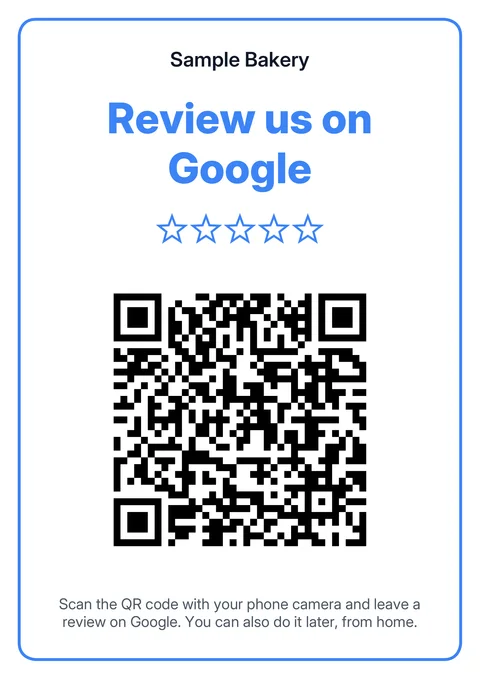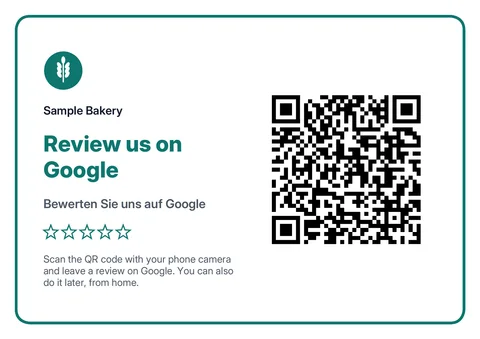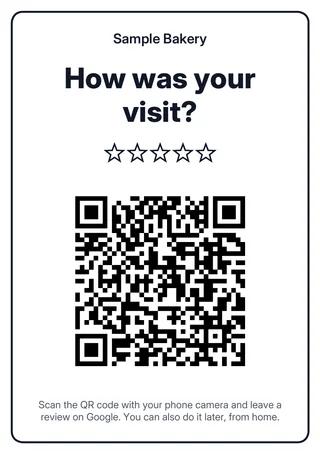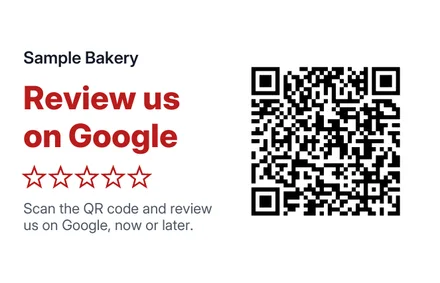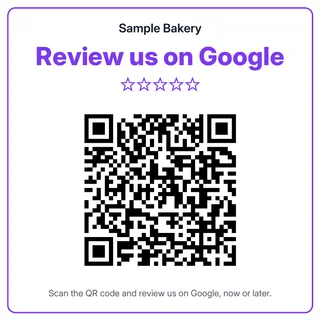
"Review us on Google" sign template
Search for your business, choose a format and text, and get a print-ready PDF with your QR code: poster, table tent, cards or stickers, in German, French, Italian or English. Free and without sign-up, for businesses in Switzerland.
How to create your template
Three steps from business name to finished printout.
- 1
Search for your business
Enter the business name and town, then pick your listing. The QR code leads straight to this profile's review form.
- 2
Choose format and text
Choose a poster, table tent, cards or stickers, plus language, colour and your logo if you like. The preview shows every change straight away.
- 3
Print the PDF and test it
Download the PDF and print it at actual size (100%). Scan the code on the printout with two phones before printing more.
Which format for what?
A4 poster: for the entrance, shop window or waiting room. The QR code measures about 11 cm. Table tent: for the counter, reception or restaurant tables. Fold the A4 sheet in the middle and both sides stand upright. Heavy paper or thin card stands better. A6 cards: to enclose with invoices or parcels. Four cards per sheet, cut through the middle twice. 85 × 55 mm cards: to hand out, for example after an appointment. Ten cards per sheet, the QR code measures about 2.8 cm. 9 × 9 cm stickers: for doors, tills or vehicles. Six per sheet on adhesive film. In bilingual regions or for guests from abroad, choose a second language and the headline also appears in it.
What Google allows when you put up a sign
Google itself recommends printing the review QR code and placing it in your shop. What's prohibited: incentives such as discounts or free services, selectively asking for positive reviews, asking or pressuring customers to review while still on site, and specifying what a review should say. The template is designed with this in mind: the stars are empty like those on the review form, and the default text says the review can also be left later. Keep to this if you change the text. The guide Google review cards and stands explains the rules in everyday use.
Why the template has no Google logo
The template mentions Google as a word and shows your business name and logo. According to Google's brand guidance, the logo and brand elements must not be used in a way that implies an affiliation with Google, and Google's colours and icons should not be imitated. Referring to Google in plain text in an informational context is allowed.
Which link is in the QR code?
The QR code contains the review link with your Place ID. Google uses this address but doesn't officially document it. With access to your Business Profile, copy Google's own link under "Read reviews" → "Get more reviews" and paste it into the "own link" field. The code is static: it contains the link itself, doesn't expire and needs no subscription. According to Google, Place IDs can change, though, so test the printout every few months. The Google review link generator gives you the QR code on its own as a PNG or SVG.
Print it yourself or buy one?
A printout only costs paper and ink, and you can recreate it at any time if your link or logo changes. In our sample from October 2026, ready-made NFC stands cost around CHF 19 to 60; they last longer and also work with a tap. The guide Google review cards and stands compares formats and prices.
From printed sign to widget
SwissTrustWidget automatically shows the new reviews that come in via your QR code on your website. Try it free, without branding from CHF 49 one-time.
Create a free widgetRead next
Sources
- Google Help: Create a link or QR code to request reviews — Google's own link and QR code, including printing the code and placing it in your shop. Checked on 3 November 2026.
- Google: Prohibited and restricted content (fake engagement) — Bans incentives, selectively asking for positive reviews, asking or pressuring customers on site, and specifying content.
- Google Brand Resource Center: Guidance — Don't use the logo or brand elements in a way that implies affiliation; plain-text references in an informational context.
- Google Maps Platform: Place IDs — Place IDs can change; refreshing recommended after twelve months.